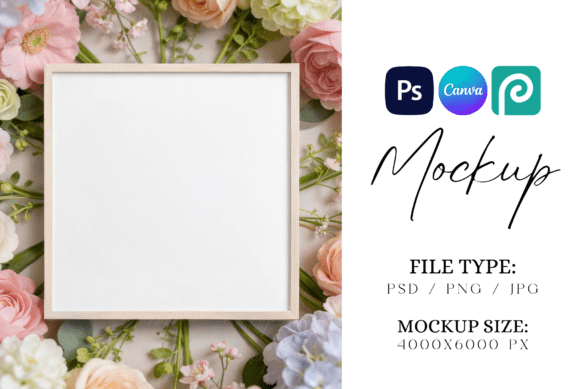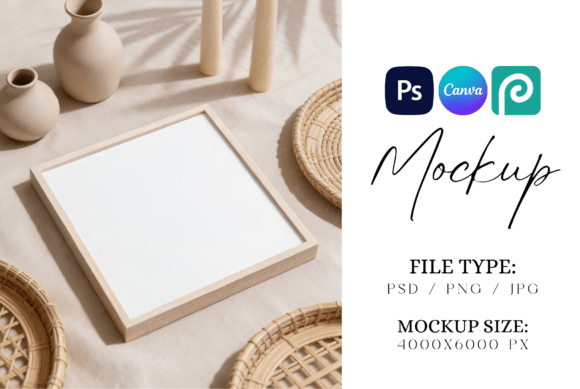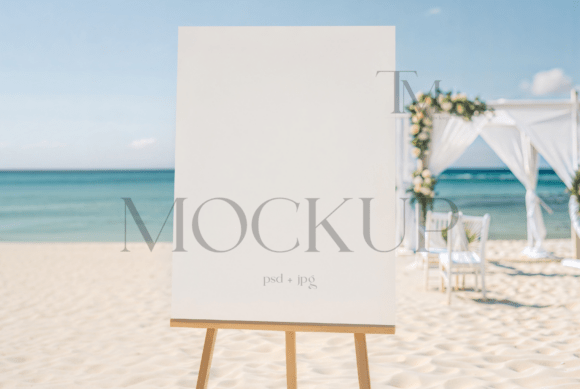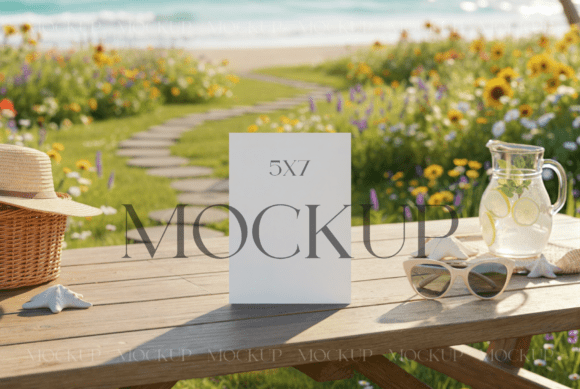
Wedding Square Favor Tag Mockup
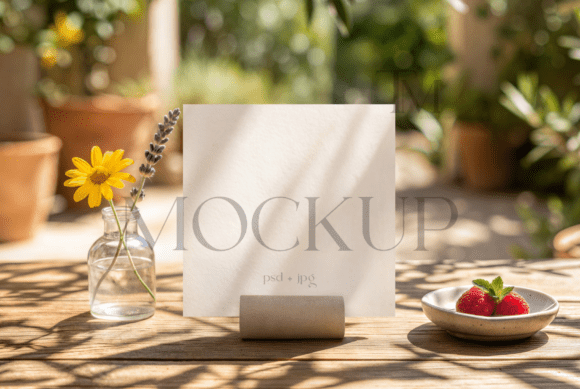
Looking to elevate your stationery designs with a touch of elegance and modernity? The Wedding Square Favor Tag Mockup is the perfect tool for digital designers, marketers, and creative professionals who want to showcase their work in a premium format. This high-quality PSD mockup offers an authentic and professional presentation for thank you tags, baby shower favors, and other stationery items, allowing you to create stunning product previews with ease.
Designed with versatility in mind, this square tag mockup features clean lines, crisp edges, and a refined aesthetic that complements a wide range of design styles. Whether you're working on a summer wedding theme or a minimalist baby shower concept, this mockup provides a seamless backdrop that lets your creativity shine through.
Why Choose the Wedding Square Favor Tag Mockup?
The Wedding Square Favor Tag Mockup is more than just a template—it's a powerful design asset that can transform how you present your work. With its smart object layers, you can easily insert your own graphics, logos, or text, making it simple to customize for different projects. The included high-res JPG file ensures that your final output looks sharp and professional, whether you're sharing it online or printing it out for a client.
This mockup is ideal for anyone involved in creating and showcasing stationery products. From small business owners to freelance designers, the Wedding Square Favor Tag Mockup provides a consistent and polished look that enhances the visual appeal of your designs. Its realistic textures and lighting effects make it feel like a real product, helping you stand out in a competitive market.
How to Use the Wedding Square Favor Tag Mockup
Getting started with the Wedding Square Favor Tag Mockup is straightforward. Here’s a quick step-by-step guide:
- Launch Photoshop and open the PSD file.
- Double-click on the smart object layer to open it in a new window.
- Drag your graphic or design onto the template.
- Adjust the image size and align it with the card’s dimensions.
- Save your work and export as needed.
By following these simple steps, you can quickly create a professional-looking preview of your design without the need for complex editing. This makes it an excellent choice for those who want to streamline their workflow and focus on what matters most—creating beautiful, impactful designs.
Applications Across Creative Projects
The Wedding Square Favor Tag Mockup is incredibly versatile and can be used across a variety of creative projects. From branding and marketing materials to editorial design and packaging concepts, this mockup adds a level of sophistication that helps your work stand out.
In the world of web design, this mockup can be used to showcase digital stationery, greeting cards, or promotional materials. For social media graphics, it provides a clean and elegant background that works well with both photography and illustrations. If you're working on a brand identity project, this mockup can help you visualize how your brand’s typography and color scheme will look on physical products.
Its clean and modern style also makes it a great fit for packaging design and editorial layouts. Whether you're designing for a boutique stationery shop or a large publishing house, this mockup gives you the tools you need to create professional, eye-catching visuals that reflect your brand’s personality.
Design Considerations and Best Practices
When using the Wedding Square Favor Tag Mockup, there are a few key considerations to keep in mind. First, ensure that your design elements are aligned with the card’s dimensions to maintain a cohesive look. Also, pay attention to the contrast between your graphics and the background to ensure readability and visual clarity.
If you're working with typefaces or font pairings, choose ones that complement the mockup’s style. A serif font might add a touch of elegance, while a sans serif font could give your design a more modern feel. Experimenting with different handwritten fonts or script fonts can also add a personal touch that resonates with your audience.
Remember, the goal is to create a design that feels natural and authentic. Avoid overcomplicating your layout or using too many design elements that could distract from the main message. Keep it clean, focused, and visually appealing.
Finally, always review your work for consistency and professionalism. Ensure that your colors, fonts, and overall composition align with your brand identity and the intended purpose of the design.